
WEPNG
A downloadable tool for Windows
WEPNG is a lightweight tool for extracting and converting Wallpaper Engine files into usable project content and images. It is designed for users who want a simpler way to work with .pkg and related wallpaper files without dealing with a more technical workflow.
With WEPNG, you can unpack supported Wallpaper Engine packages, access project contents, and handle texture/image conversion in a more convenient way. It is useful for browsing wallpaper assets, recovering editable content, and inspecting package data for personal workflow or reference purposes.
Features
- Extract Wallpaper Engine
.pkgfiles into accessible folders - Convert supported texture files into standard image output
- Help turn package contents into a more usable project structure
- Provide a simpler workflow for users who do not want to rely on command-line usage
Credits
WEPNG is based on or repackaged from RePKG, an open-source project by notscuffed. The original RePKG project is available on GitHub: github.com/notscuffed/repkg.
Notes
Use this tool only with content you have the right to access and modify. On itch.io, accurate and relevant project information is part of maintaining a quality project page, so it is better to present WEPNG as a utility tool for Wallpaper Engine file handling rather than as unrelated software.
Download
Install instructions
How to Use
1. Download the file below.
2. Launch WEPNG Setup.exe.
3. Complete the installation process, then open WEPNG.
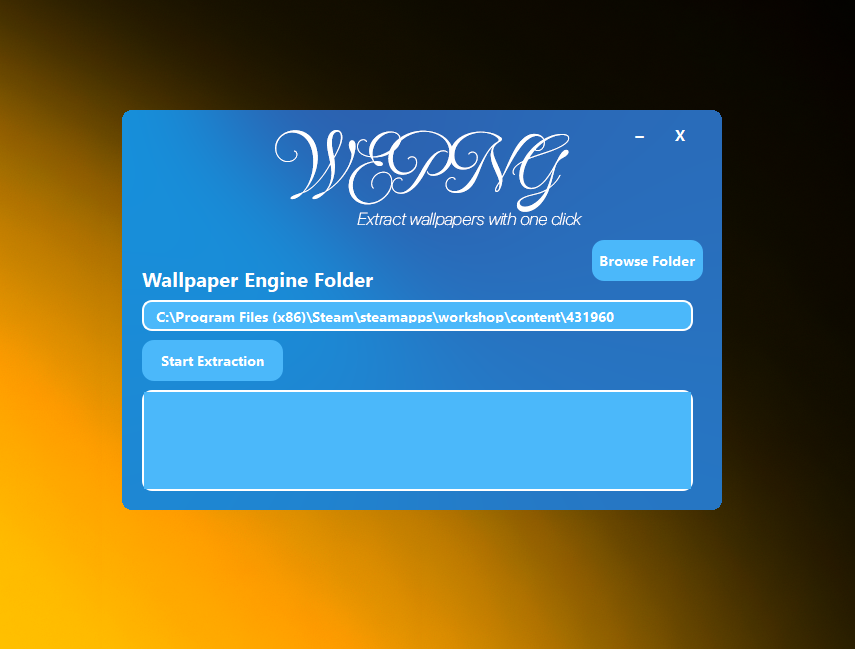
4. Select your Wallpaper Engine folder.
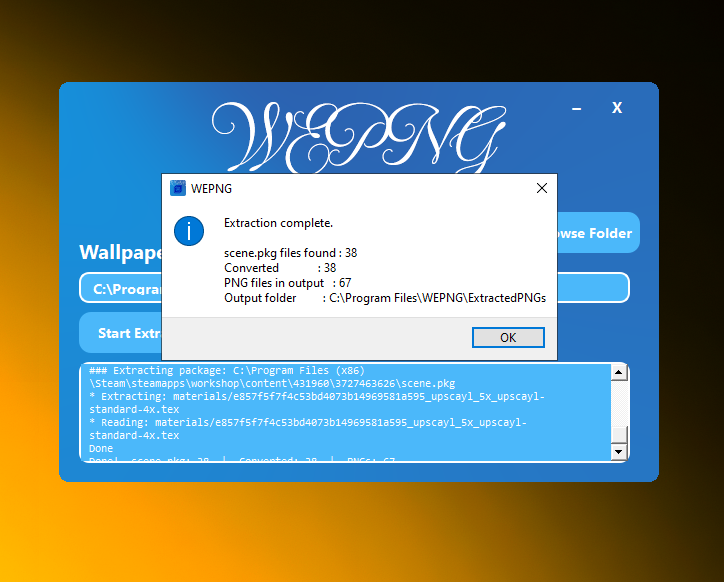
5. Start the extraction process.
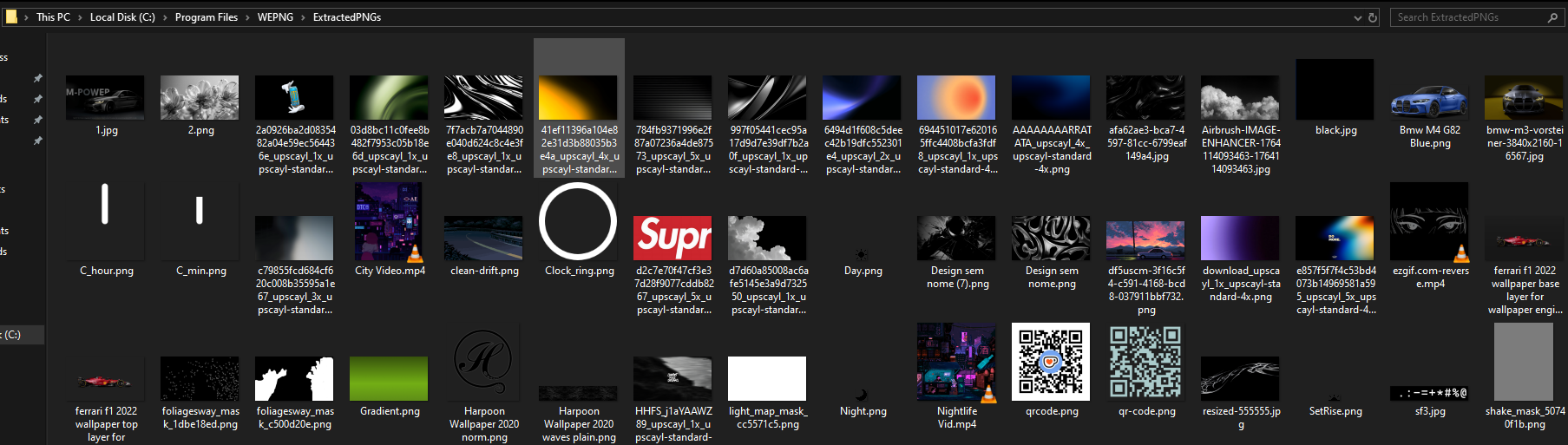
6. After extraction is complete, the PNG files will be available in the app’s file location.
Updates
v1.0.0 (Current) - Initial release
Credits
Color scheme inspiration: Z7LL
Background image credits: Z7LL
Leave a comment
Log in with itch.io to leave a comment.